




Preparing accurate tax returns today depends on far more than knowing the tax code. The right software tax professionals rely on can be the difference between a smooth, efficient season and one full of manual errors, missed deadlines, and frustrated clients. If you are entering the field or trying to run a more efficient practice, understanding what tools actually matter, and why, is just as important as understanding tax law itself. In this post, we will break down the categories of software tax professionals typically need, what each one does, and how training ties directly into using these tools effectively.
Professional Tax Preparation Software
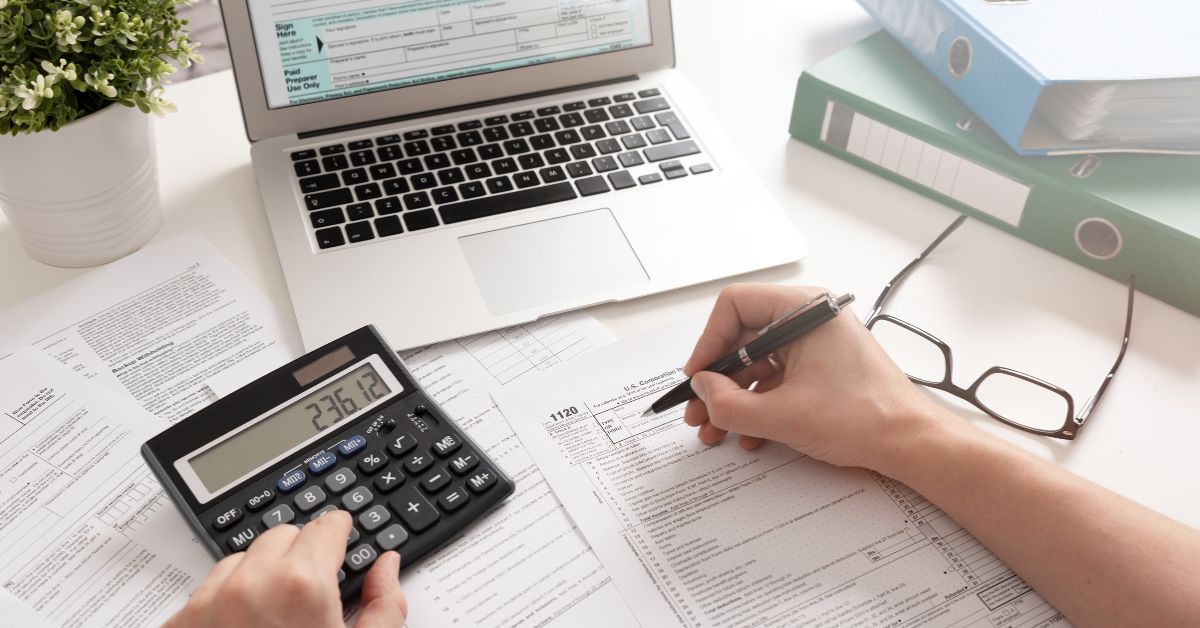
At the core of any tax practice is professional tax preparation software, which handles the actual completion and electronic filing of returns. These platforms calculate figures automatically, flag potential errors before submission, and keep you compliant with current IRS e file requirements. Choosing software with strong error checking and audit trail features reduces the risk of costly mistakes that could affect your client relationships and your professional reputation.
Most platforms also offer built in diagnostics that catch inconsistencies before a return is transmitted, such as mismatched Social Security numbers or missing required forms. Relying on these built in checks, rather than manually reviewing every line by hand, allows preparers to handle a higher volume of returns without sacrificing accuracy during the busiest weeks of tax season.
Learning to use this kind of software well is not automatic. Many preparers first build a foundation through an IRS tax preparation course before layering on advanced software skills, since understanding the underlying tax rules makes the software far easier to use correctly rather than blindly trusting whatever number the program generates.
Client Management and Document Collection Tools
Beyond return preparation itself, tax professionals increasingly rely on client management systems to organize contact information, track deadlines, and store completed returns securely. Secure document portals have also become standard, allowing clients to upload sensitive financial documents like W2s and 1099s without relying on unsecured email attachments.
These digital workflow tools matter more each year as clients expect faster turnaround and more transparency throughout the filing process. A tax professional who still relies entirely on paper files and manual scheduling tends to fall behind competitors who can process returns and communicate with clients far more efficiently through modern software. This efficiency also matters when trying to start a tax preparation business, since new practices need to compete with established firms that already have streamlined systems in place.
Accounting and Bookkeeping Integration
Many tax professionals also work with bookkeeping software, particularly for clients who run small businesses, since accurate books directly affect the accuracy of a business tax return. Integrating tax preparation software with accounting platforms streamlines the process considerably, reducing the manual data entry that often introduces errors when moving numbers between systems.
This is one of the reasons many preparers benefit from becoming a certified tax preparer with training that covers both tax preparation and basic bookkeeping principles, since business clients often need both services handled together rather than separately. A preparer who can offer bookkeeping cleanup alongside tax filing tends to build stickier, more valuable client relationships than one who only handles annual returns.
Security and Compliance Tools
Given how much sensitive financial data flows through a tax practice, security software is not optional. Encrypted file storage, multi factor authentication, and secure client portals protect against data breaches that could seriously damage a practice, both financially and reputationally. The IRS has also increased scrutiny around data security practices for preparers, making compliant software a practical requirement rather than an optional upgrade.
Preparers who neglect this area risk more than just a technical inconvenience. A single data breach involving client Social Security numbers or financial account details can trigger regulatory penalties and permanently damage the trust a practice has built with its client base over years of work.
At Universal Accounting School, training emphasizes these practical, technology driven aspects of the profession alongside tax law itself, since modern tax preparation genuinely requires comfort with both areas working together rather than treating software as an afterthought once tax knowledge is in place.
Choosing the Right Tools for Your Practice
The right combination of software depends heavily on the size and type of practice you are running. A solo preparer handling mostly individual returns has different needs than someone managing a growing client base that includes small businesses and more complex filings. Start with reliable, IRS compliant preparation software, then add client management and security tools as your practice grows and client volume increases.
It is worth revisiting your software stack periodically as well, since tax technology changes regularly and tools that worked well a few years ago may now lag behind newer, more efficient options. Staying current with both tax law and the software built to support it keeps a practice competitive and reduces the manual workload that eats into time better spent serving clients directly.
Frequently Asked Questions
1. What is the most important software for a new tax preparer?
Professional tax preparation software is essential first, since it handles calculations, error checking, and IRS electronic filing requirements accurately and efficiently for every return you prepare.
2. Do tax professionals need bookkeeping software too?
Many do, especially those working with small business clients, since accurate bookkeeping software integration reduces manual data entry errors when preparing accurate business tax returns each season.
3. Is client management software necessary for a small tax practice?
It becomes increasingly valuable as your client base grows, helping you track deadlines, store documents securely, and communicate more efficiently than relying on manual scheduling methods alone.
4. How important is data security software for tax professionals?
Extremely important, since tax preparers handle highly sensitive financial information and the IRS increasingly expects preparers to maintain strong data protection and full compliance practices.
5. Should I learn tax software before or after tax law training?
Most preparers benefit from learning core tax law first, since understanding the rules makes software output easier to interpret, verify, and trust with full confidence.